
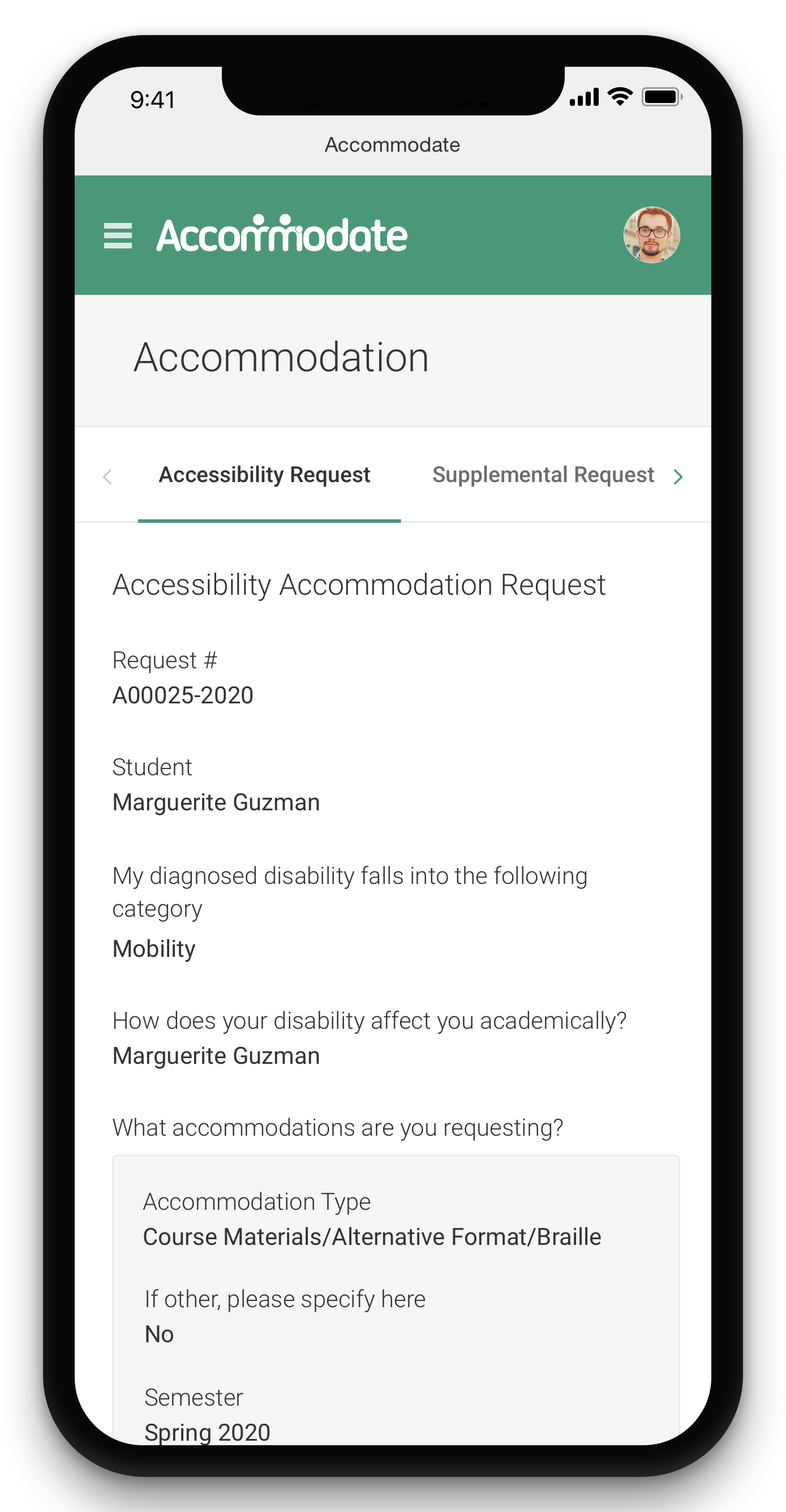
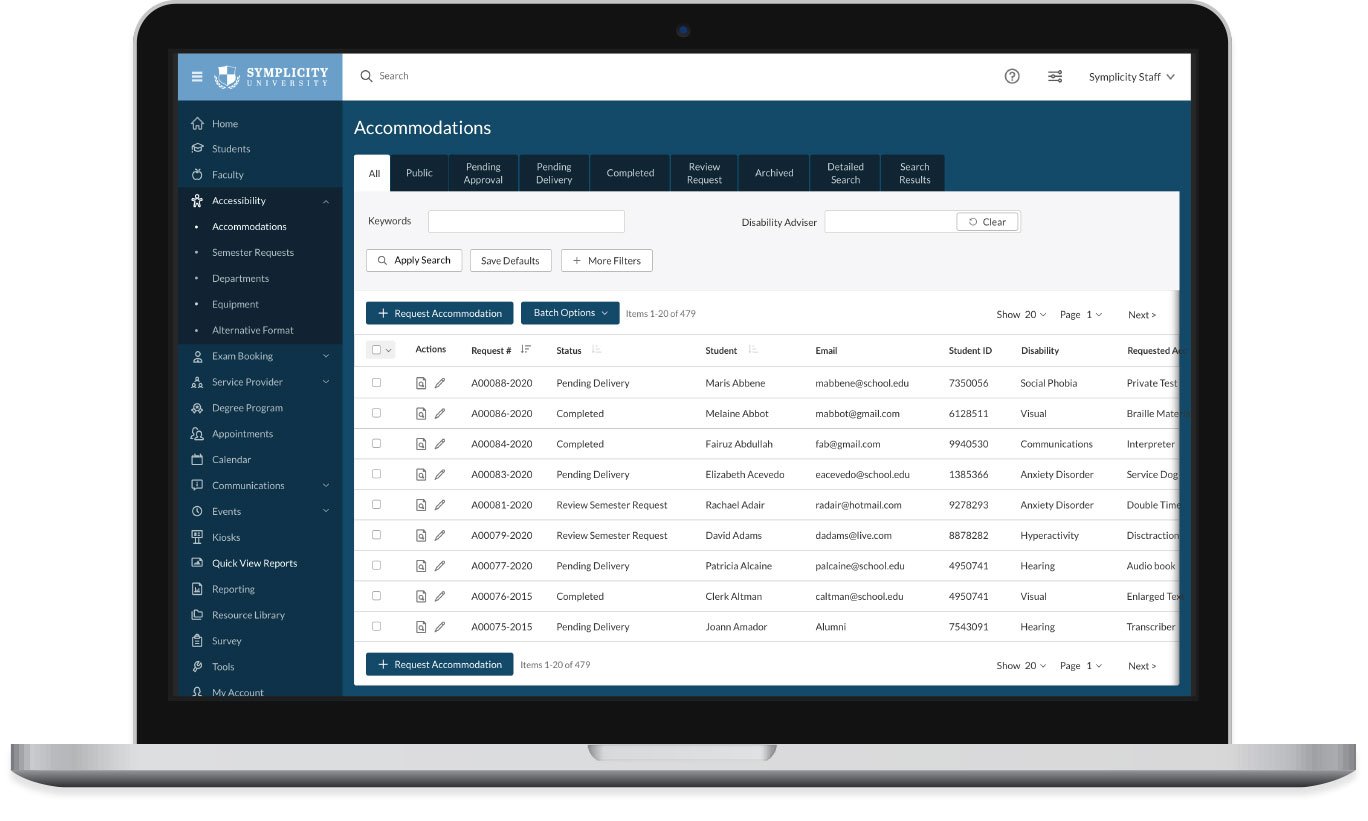

Accommodate

The only fully-integrated, all-inclusive accessibility services system.

Symplicity’s Accommodate is an end-to-end solution for accessibility services offices to streamline the approval and delivery of accommodations.

Core features

Icon - Product Features - Command Center

Student Command Center

Accommodate features a dedicated student portal, where students can submit forms, request appointments, upload documentation, and view all information that’s been sent to them from your office!

The Student Command Center - all the information your students need, in one highly intuitive and user-friendly location. Read More...

icon - Product Features - Page Arrow

Accommodation Request Management

Go paperless by putting your intake and request process online! 

Send approval and rejection notifications to students, alert faculty and staff members of a student’s approved accommodation, and coordinate with other departments providing services – all electronically! Read More...

Icon - Product Features - Testing Map

Alternative Testing Management

Which rooms are open and when? Which proctors are available? Streamline the testing room management process by allowing students to view available rooms in real time, and have administrators and/or faculty members approve the testing time slots.

Don't want to allow students to self-schedule? No problem! You may easily view the real-time availability of your open spaces and seamlessly assign students to testing rooms via the Accommodate administrative interface. Read More...

icon - Product Features - Scheduling

Appointment Management

Accommodate features revolutionary tools that allow students to self-schedule appointments with one click! Students will have access to real-time availability to book meetings with your staff members.

Accommodate also integrates with office scheduling applications and personal devices to ensure that your calendar is always "in-sync"! Read More...

Icon - Product Features - Notepad Pencil

Note-Taker Network

Have trouble tracking and facilitating note-taking? In Accommodate, you can allow your students to independently search for note-takers in their classes. Additionally, the note-taker may post notes directly to the student's documents folder.

For those institutions that choose to match students with note-takers "behind the scenes," Accommodate has powerful searching and matching tools for administrative staff as well! Read More...

icon - Product Features - Box Multiple Arrows

Equipment and Assistive Devices Checkout

Tracking and monitoring equipment has never been easier! With Accommodate, you can monitor the condition of each individual piece of equipment that your office manages. You can also track which students have checked out particular items.

Due to Accommodate's granular access rights, you may grant certain staff members only the ability to track and monitor equipment inventory, while prohibiting them from viewing private student information within the system. Read More...

icon - Product Features - Line Chart

Reporting

All of your data is available at your fingertips. Our Reporting Module allows you to create comprehensive ad hoc reports. From the report writer screen, you may select any/all fields in the database for extraction.

Refine your data set by filtering against any field, so you can display information by type, by location, and by created/modified date range. Read More...

icon - Product Features - Puzzle Piece Cog

Customization Tools

Every office is unique, and most administrators want to tailor their system’s interface to align with their precise vision. Knowing our customers’ desire for interface control, we provide ultimate customization and configuration capabilities.

Accommodate's custom workflow comes complete with customizable emails, alerts, and notifications. Just because your office is adopting new technology doesn't mean that you have to change your office's process. It's your system...customize it! Read More...

ADA Compliance

icon - Product Features - Accessibility

Accommodate is fully accessible by all students, faculty, and staff. Symplicity's design team specializes in creating highly intuitive and entirely accessible sytems. Accommodate is 508 compliant, and works with all screen readers.

In fact, Symplicity support staff tests all functions of the system with screen readers on a weekly basis. We are dedicated to maintaining and continually enhancing the overall accessibility of the system for all users.

Data Security and Privacy

Icon - Product Features - Compliance

As an organization, Symplicity's highest priority is safeguarding your data. Many companies claim to secure your data, but we back it up with frequent independent audits.

Symplicity maintains the confidentiality and privacy of millions of student and employer records to support full compliance with the Family Education Rights and Privacy Act (FERPA) and the Health Insurance Portability and Accountability Act (HIPAA).

Powerful integration options

Icon - Product Features - Data Arrow

Data Synchronization

Do you use Sungard, Datatel, Jenzabar or another student information system? Working with over 500 institutions over 15 years, Symplicity delivers sophisticated integration with all enterprise campus systems.

We offer online integration via web services or batch synchronization to ensure the core information in your systems is always up-to-date.

Icon - Product Features - Calendar Integration

Calendar Integration

Symplicity provides full integration with Microsoft Exchange and supports iCal and SyncML so that you can easily synchronize with Outlook, Lotus, and Google calendars, as well as smart phones by Apple, Blackberry, etc.

The personal calendar shows your schedule for the day/week/month. Or, you can view a colleague's meeting availability - all from a single web interface. Our visibility controls ensure that only authorized staff may view private events and appointments.

Icon - Product Features - Closed Lock

Authentication Integration

Make your software even easier to use by integrating your portal with single sign-on or shared authentication. We support CAS, Shibboleth, uPortal, Luminis, LDAP, Active Directory, and many other options!

Flexible Pricing

icon - Product Features - Cash Register

Whether you are a small institution or a public university, Accommodate offers an extremely customizable solution that supports campuses and offices of all sizes.

Our pricing is extremely simple – it’s based solely on the number of users in your office. There are no hidden costs, and various price points are available, making Accommodate a smart decision for offices of all sizes.

We’re here to help

Symplicity’s Accommodate support team is comprised of student affairs and student services professionals that have years of accessibility services experience. We know how important great customer service is to our partners and have many easy ways to reach out to our friendly Accommodate support experts.


Accommodate Support Resources

Have an Extranet Account?

If you need an account please contact us.

Accommodate Support Resources:

The Symplicity Client Extranet is where clients can login to ask system related questions, report and track issues, and access documentation. It is the best and easiest way to connect with us!

Email:accommodate-support@symplicity.com
Phone: 703-373-7040

*Note: Our client extranet is monitored 24 hours.
Email and Phone support available between 9am – 7pm Monday – Friday.


Frequently Asked Questions

Q: Does your system fully integrate with our Student Information System?

A: Absolutely! Accommodate supports full connectivity with university student information systems (SIS) using systems integration best practices and methods such as sFTP and/or web services-SOAP. Other integration methods are also available upon request based on the institution's preference.

Q: Is there online and telephone support available? Online self-help?

A: Symplicity provides technical support 24/7/365. Additionally, live online and telephone support is available between the hours of 9 a.m. to 8 p.m. Eastern Time. We also provide context sensitive online help, detailed user manuals, cheat sheets, and training videos at your fingertips through our client extranet!

Q: Do you conduct nightly backups? If so, to how many geographic locations?

A: Yes. Symplicity conducts nightly backups in two geographic locations on Symplicity's own server infrastructure. If anything happens to your data, you can rest assured that we have your back. You never need to worry about losing data.

Q: What is the process for training?

A: The Accommodate Group offers both onsite training and unlimited web-based training. Training sessions are conducted by former accessibility services professionals who have implemented Accommodate before and have a deep understanding of the product at the higher-ed administrative level. Also, you'll have a training specialist completely focused on your needs during the transition.

Q: Is Accommodate fully accessible?

A: Absolutely! Accommodate is fully accessible by all students, faculty, and staff. The system is 508 compliant, and works well with all screen readers. Symplicity support staff routinely tests all functions of the system with screen readers on a weekly basis.

Q: Is pricing flexible?

A: You bet! Whether you only have one user in your office or more than ten, Accommodate offers an extremely customizable solution that supports campuses and offices of all sizes. Accommodate's pricing is simple: it is based on the number of users in your office. There are no hidden costs, and various price points are available, making Accommodate a smart decision for offices of all sizes!

Schedule a Demo

Accommodate News

From Our Blog

  • Horizons2 (Study Abroad) is Coming Soon!
    The winter update to Symplicity's Study Abroad System, Horizons, will include an appointment tool, the addition of application workflow tools and graphics, an email upgrade, and much more!
  • Using Career Services Manager to Track Alumni Engagement
    The University of Richmond has used the CSM system in a number of ways to track alumni engagement and continues to review the system functionality for opportunities to better capture alumni interaction data. Below are some modules they have used to track the involvement of alumni with their office.
  • What's New for Career Services Manager Users This April?
    This latest release includes many exciting features for Law, MBA, and NACElink. Undergrad Career Services Manager (CSM) users.

Symplicity on Twitter

