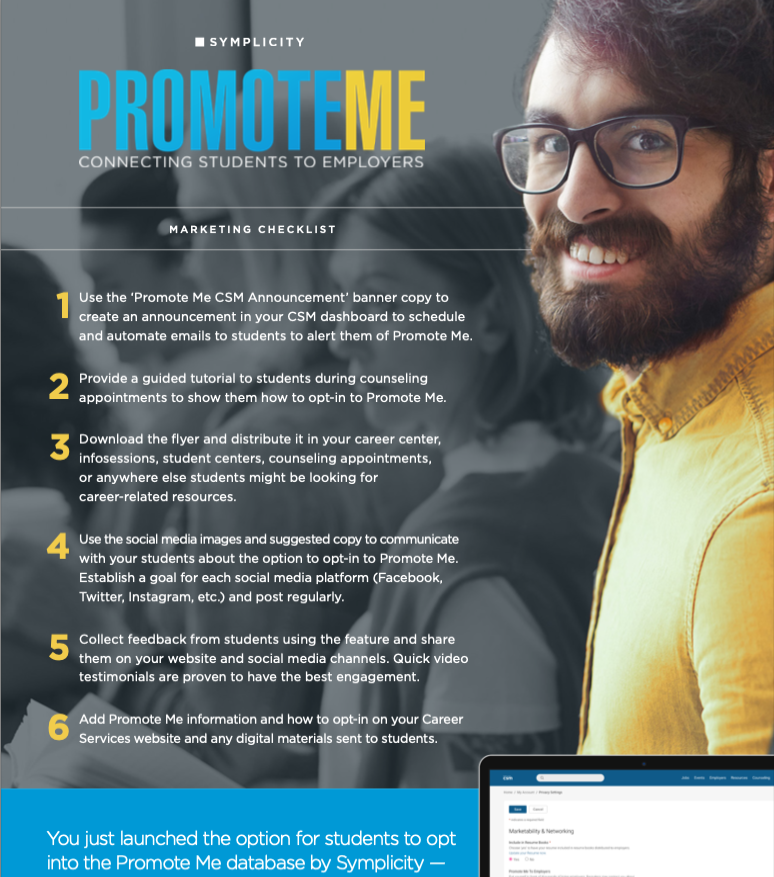
We have created this marketing kit to help you build awareness and spread the word about PromoteMe to your campus community. Our goal is to help you more effectively encourage students to opt-in to Promote Me so they can increase visibility to employers and get one step closer to their dream careers.
This kit includes images, logos, and copy that can be used in emails, social media posts, website announcements, and more.
You can also download flyers to distribute at your career center, career fairs, info sessions, student centers, counseling appointments, or anywhere else students might be looking for career-related resources.
Use the PromoteMe logo on any additional marketing materials created.
If you're not sure how to teach a student how to opt-in to Promote Me, don't worry, we can help! Take a look at our How-To section for a little refresher.
Looking to increase visibility from employers? Opt-in to PromoteMe! A simple click automatically gives employers access to your profile and exposes you to opportunities beyond those that are already posted. Opt-in today and get closer to your dream job.
Every student wants to see and be seen by employers. Opt-in to PromoteMe and promote yourself to employers! Employers like Amazon, Google, and more can discover your profile and reach out to you for job opportunities.
You know what you can bring to the table. Show employers what you can do and more by opting-in to PromoteMe. By allowing employers to contact you, they can send you direct communication inviting you to upcoming virtual events or to apply for a job. Opt-in today!
Opt-in to a resume database to be viewed and contacted by a global network of vetted employers approved by your university. Log into your Career Services Center dashboard and navigate to 'My Account' --> 'Privacy' to get started. Questions on how to access? Contact your Career Services Center.
Don't get lost in a sea of 'not right' job listings! Get promoted today and access relevant career opportunities from top employers. How? Easy. Opt-in to PromoteMe through the career center to increase your visibility.
Take the stress out of the job search by opting in to PromoteMe! Designed to help employers find your resume and directly communicate with you about available opportunities!
|
CMYK RGB HEX |
CMYK RGB HEX |
CMYK RGB HEX |
CMYK RGB HEX |
CMYK RGB HEX |
|
CMYK RGB HEX |
|
CMYK RGB HEX |
|
CMYK RGB HEX |
|
CMYK RGB HEX |
|
CMYK RGB HEX |
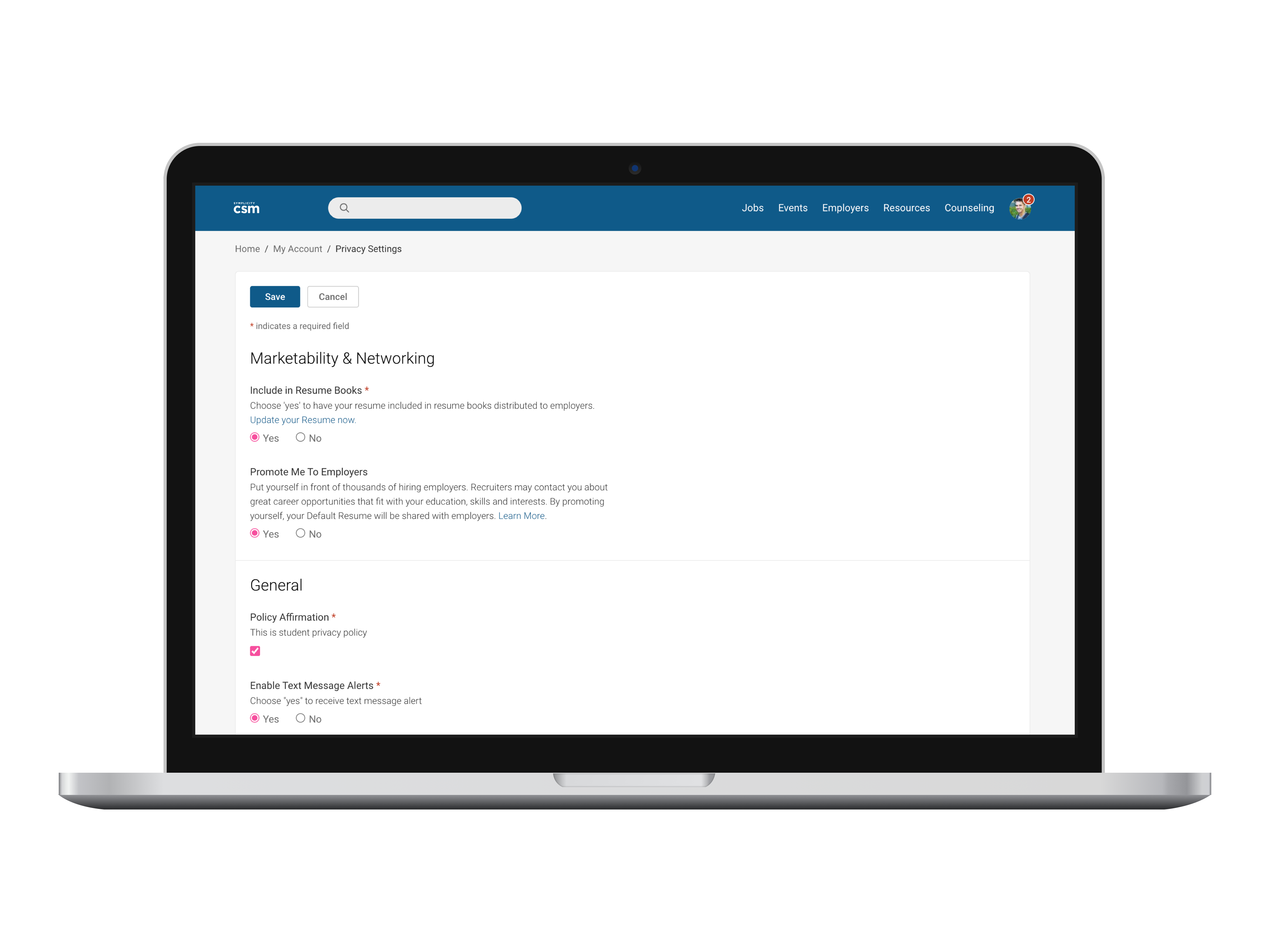
Go to 'My Account' --> 'Privacy Settings.' Under 'Marketability & Networking,' select 'Yes' to opt-in to 'Promote Me to Employers.'
Go to 'My Account' --> 'Emails & Notifications.' Under 'Employment Opportunities,' check off the 'Employer Invitations' box.
Go to 'My Account' --> 'Academic Profile.' On the next screen, fill out as much information as you can.
Navigate to your profile picture icon on the top right of the screen. Click on 'Public Profile.' Fill out your profile or edit your information.
Go to 'My Documents' --> 'Add New.' Label your resume so that you can differentiate it from other documents. Upload the file. Submit.
Navigate to 'Employers' tab in the header of your page. Search for desired employer. Click on the 'Follow' button to the right to get updates.
Provides institutions with the ability to connect holistically with students to enhance their experience and streamline campus operations and collaborations.
© Copyright All Rights Reserved 2025 Symplicity